Use OpenCode with Tailscale on iPhone
Connect OC Remote to OpenCode through Tailscale Serve or a private Tailnet address, then fix loopback URLs, wrong ports, DNS, auth, and sleeping hosts.
Tailscale gives your iPhone a private route to the computer running OpenCode without router port forwarding. The repository, tools, and model-provider credentials remain on that computer. OC Remote connects to the OpenCode endpoint through the Tailnet.
1. Put both devices on the same Tailnet
Install Tailscale on the OpenCode host and the iPhone. Sign in with the same Tailnet account, or share the host with the iPhone's account. On the host, check its connection and address:
tailscale status
tailscale ip -4
tailscale ping <iphone-name>
The IPv4 result will be in Tailscale's private 100.64.0.0/10 range. On iPhone, open Tailscale and confirm that the VPN is connected and the host appears in the device list. If the host shell cannot find tailscale on macOS, enable the CLI integration in Tailscale settings or use the CLI bundled inside the app.
2. Start OpenCode and record the real port
opencode service start
opencode service status
The shared service defaults to 49374 on macOS, Linux, and WSL, and28894 on Windows. The status output is authoritative. If it printshttp://127.0.0.1:49374, that is expected: Tailscale Serve can proxy the loopback service without making OpenCode listen on every LAN interface.
3. Publish the loopback service with HTTPS
Replace the example port if opencode service status reports another one:
tailscale serve --bg localhost:49374
tailscale serve status
Tailscale prints an HTTPS URL such as https://studio-mac.example.ts.net. Copy the exact URL it reports. The --bg configuration persists across Tailscale and device restarts until you disable or reset it.
Test the local backend separately. Any HTTP response proves the service answered; a timeout or connection refusal means OpenCode is not listening on that port:
curl -I http://127.0.0.1:49374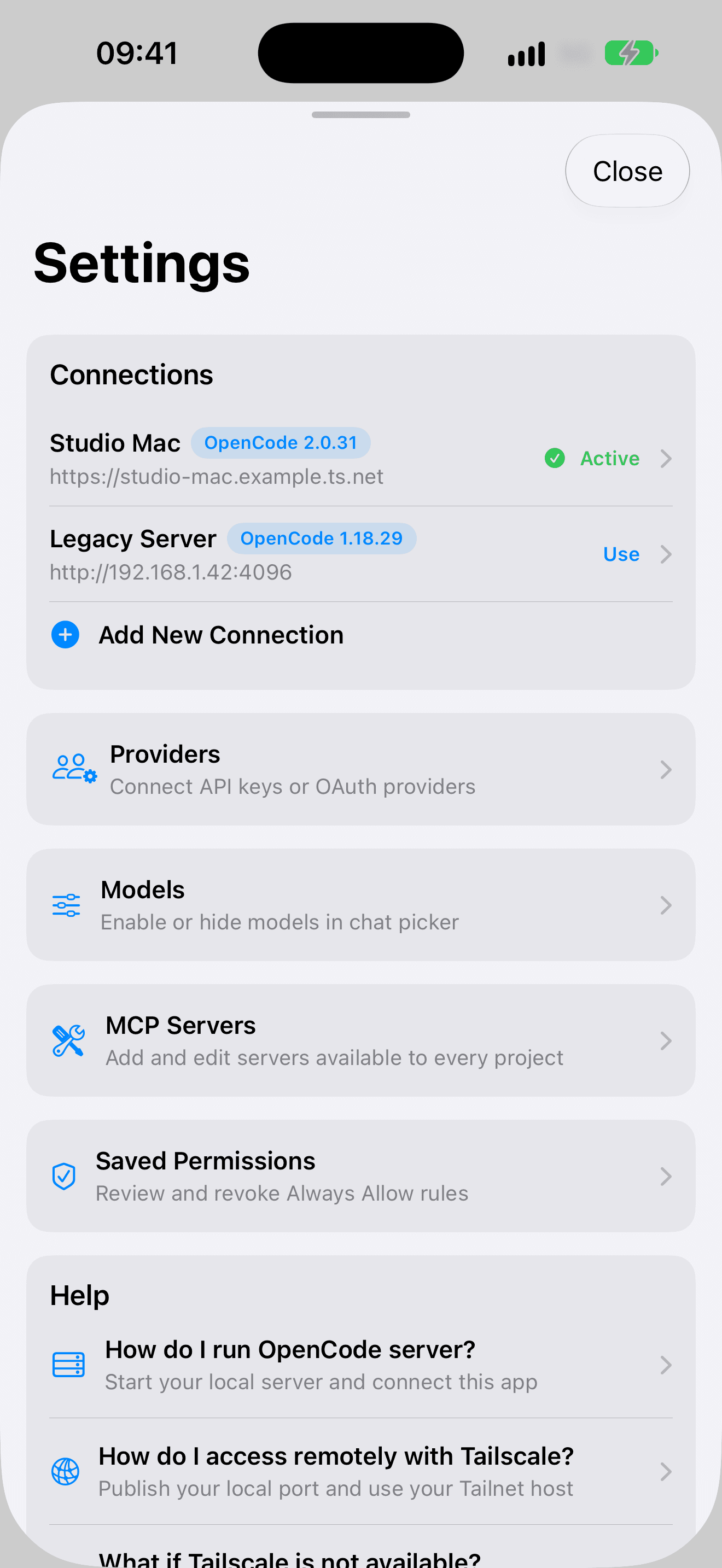

4. Generate a reachable pairing link
Pass the Serve origin to OpenCode so the one-time link and QR code contain a URL the iPhone can reach:
opencode pair --url https://studio-mac.example.ts.netPairing links work once and expire after five minutes. In OC Remote, open Settings, choose Connection, then scan the QR code or paste the complete link. The redeemed token is validated and saved in the iOS Keychain.
Alternative: connect directly to the Tailnet IP
Direct HTTP avoids Serve, but OpenCode must listen beyond localhost. This also exposes the service to other interfaces allowed by the host firewall, so use it only on networks and Tailnet policies you trust:
opencode service set hostname 0.0.0.0
opencode service start
tailscale ip -4
opencode pair --url http://100.x.y.z:49374
OC Remote permits cleartext HTTP for Tailscale's private address range, but HTTPS through Serve is preferable because it encrypts the application connection as well as using the Tailnet route. Use the port from opencode service status, especially on Windows.
Verify each layer before blaming the app
- OpenCode:
opencode service statusreports the expected port. - Local backend:
curl -I http://127.0.0.1:PORTreturns an HTTP response. - Tailnet: both devices show connected, and
tailscale pingreaches the iPhone by name. - Serve:
tailscale serve statusmaps the HTTPS hostname to the correct local port. - iPhone route: opening the
.ts.netURL in Safari reaches OpenCode or an authentication screen. - Pairing: generate a fresh link only after the route works.
Tailscale troubleshooting
| Symptom | Likely cause | What to check |
|---|---|---|
| QR code opens 127.0.0.1 | The pairing link contains the host's loopback origin. | Run opencode pair --url https://host.tailnet.ts.net. |
| Safari and OC Remote both time out | The host is offline, asleep, disconnected, or blocked by Tailnet policy. | Wake the host; check both Tailscale clients, tailscale status, and access rules. |
| Serve URL fails, but OpenCode works locally | Serve targets the wrong port or its configuration is inactive. | Compare opencode service status with tailscale serve status. |
| MagicDNS name does not resolve | The iPhone is on another Tailnet, Tailscale DNS is disabled, or the hostname was guessed. | Reconnect the correct account and copy the exact HTTPS URL printed by Serve. |
| Pairing says expired or already used | The one-time link is older than five minutes or was redeemed once. | Run opencode pair --url ... again after confirming reachability. |
| A saved connection stopped authenticating | The OpenCode server password changed, which signs out existing sessions. | Remove the saved connection and pair again with a fresh token. |
| Direct 100.x URL refuses the connection | OpenCode still listens only on localhost or the port is wrong. | Use Serve, or set hostname to 0.0.0.0, restart, and verify the reported port. |
| It works until the Mac sleeps | Tailscale and OpenCode cannot answer while the host is asleep. | Keep the host awake, use an always-on machine, or move OpenCode to a server. |
Reset the Serve route
If an old mapping is confusing the diagnosis, clear it and publish the current port again:
tailscale serve reset
tailscale serve --bg localhost:49374
tailscale serve status
Primary sources and next steps
- OpenCode Web, pairing, and service documentation
- Tailscale Serve command documentation
- Tailscale CLI and troubleshooting reference
For public HTTPS and LAN alternatives, return to the secure connection overview. For the complete app workflow, continue with OpenCode on iPhone.
Install OC Remote
Monitor for free. Eligible new subscribers can start with a 7-day free trial, then €5.99/year in the euro storefront; local pricing may vary. Requires iOS or iPadOS 18.