Features
What you can do from iPhone and iPad.
OC Remote is the OpenCode client for the phone you already carry. The agent stays on your server. The decisions that should not wait move with you.
Free and Pro access
Free monitoring
See what the agent is doing.
Browse projects and sessions, follow live timelines, and inspect files and line-by-line diffs.
OC Remote Pro
Control the work from your phone.
Create sessions, send prompts, answer questions, approve permissions, manage queued work, open terminals, manage MCP and providers, and dictate on device.
01
Live sessions
Watch the work
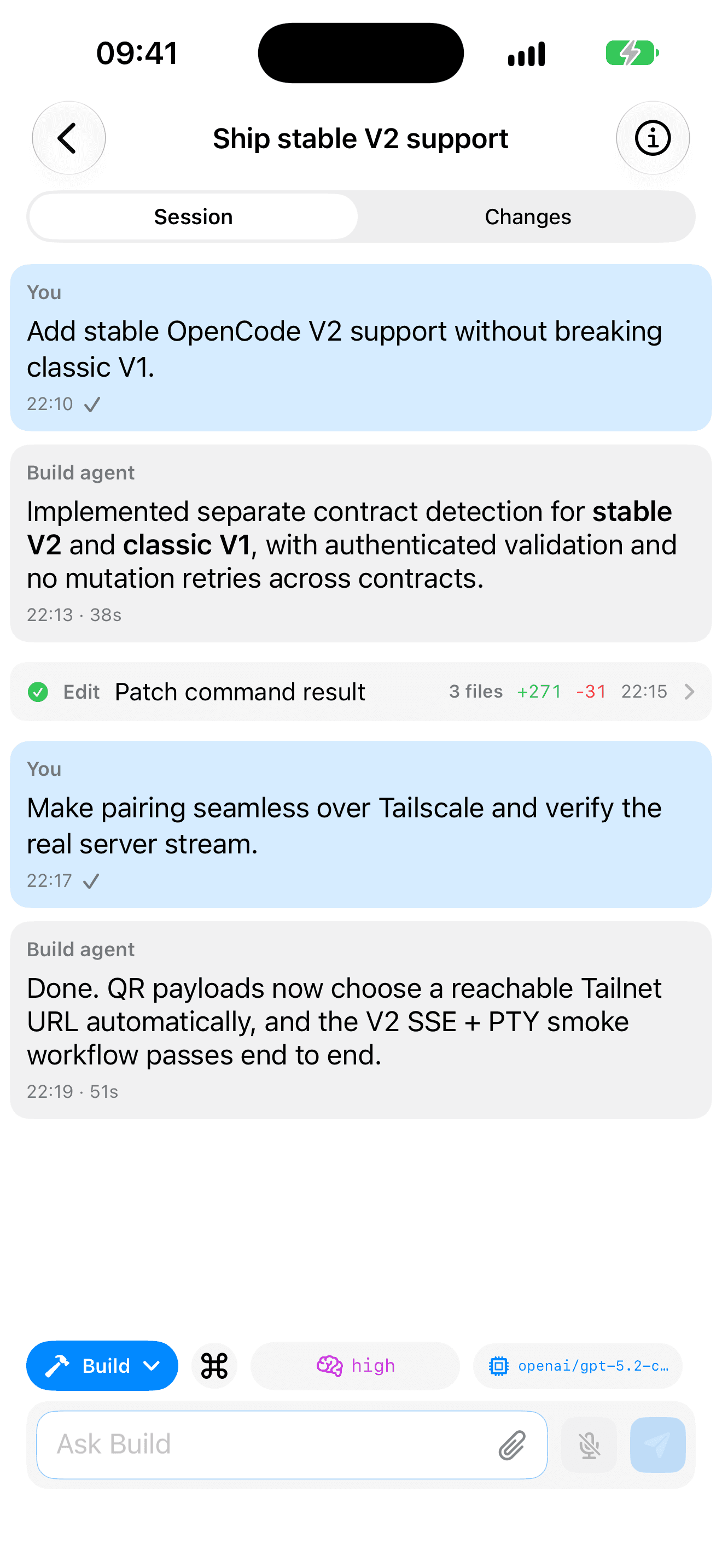
Free monitoring includes live timelines, messages, tool calls, task lists, token usage, context, session spend, and agent results, so you can tell whether a run is progressing or stuck.

02
Human in the loop
Unblock the agent
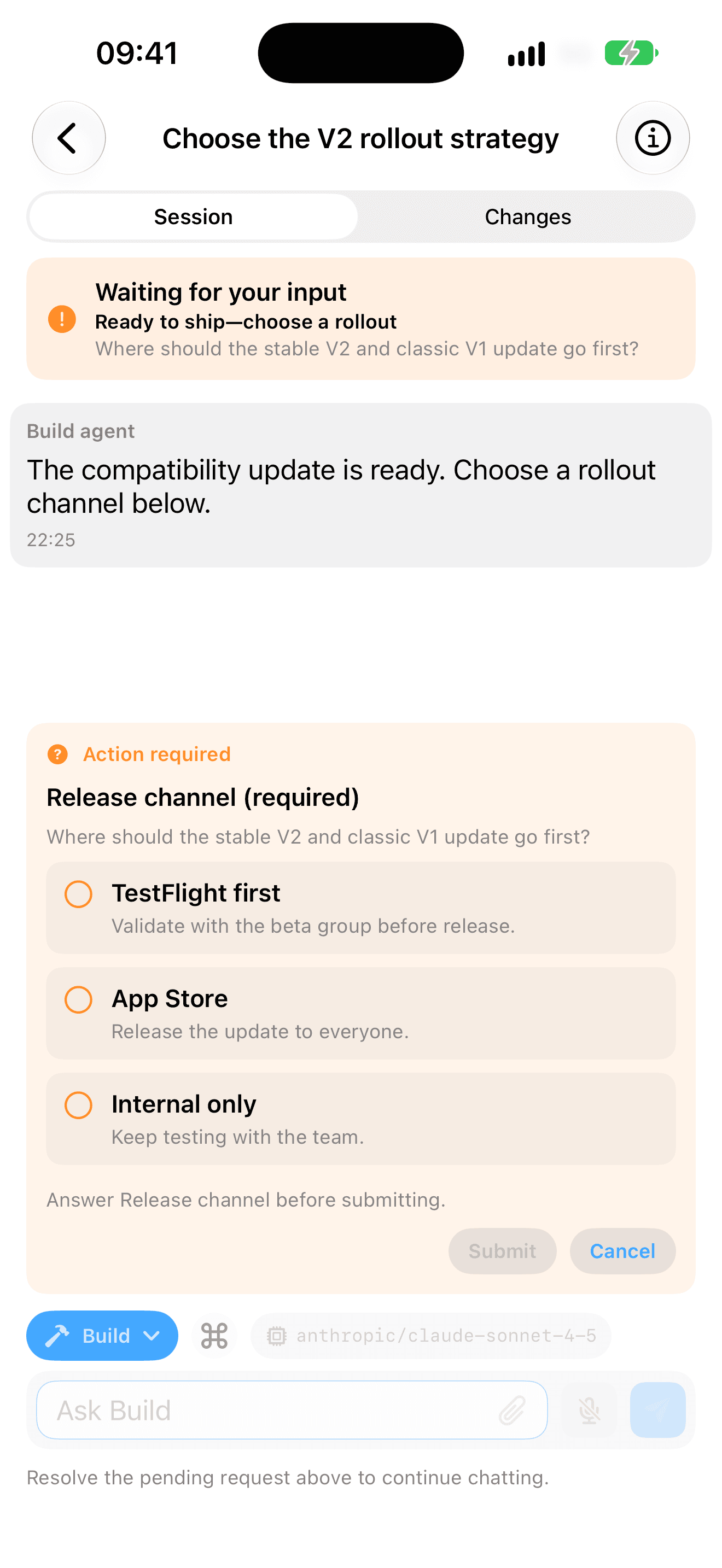
Pro lets you answer typed OpenCode V2 forms, approve permissions once or always, send the next prompt, manage queued work, or stop a run. Review and revoke saved permissions whenever you need to.
03
Changes and files
Inspect the result
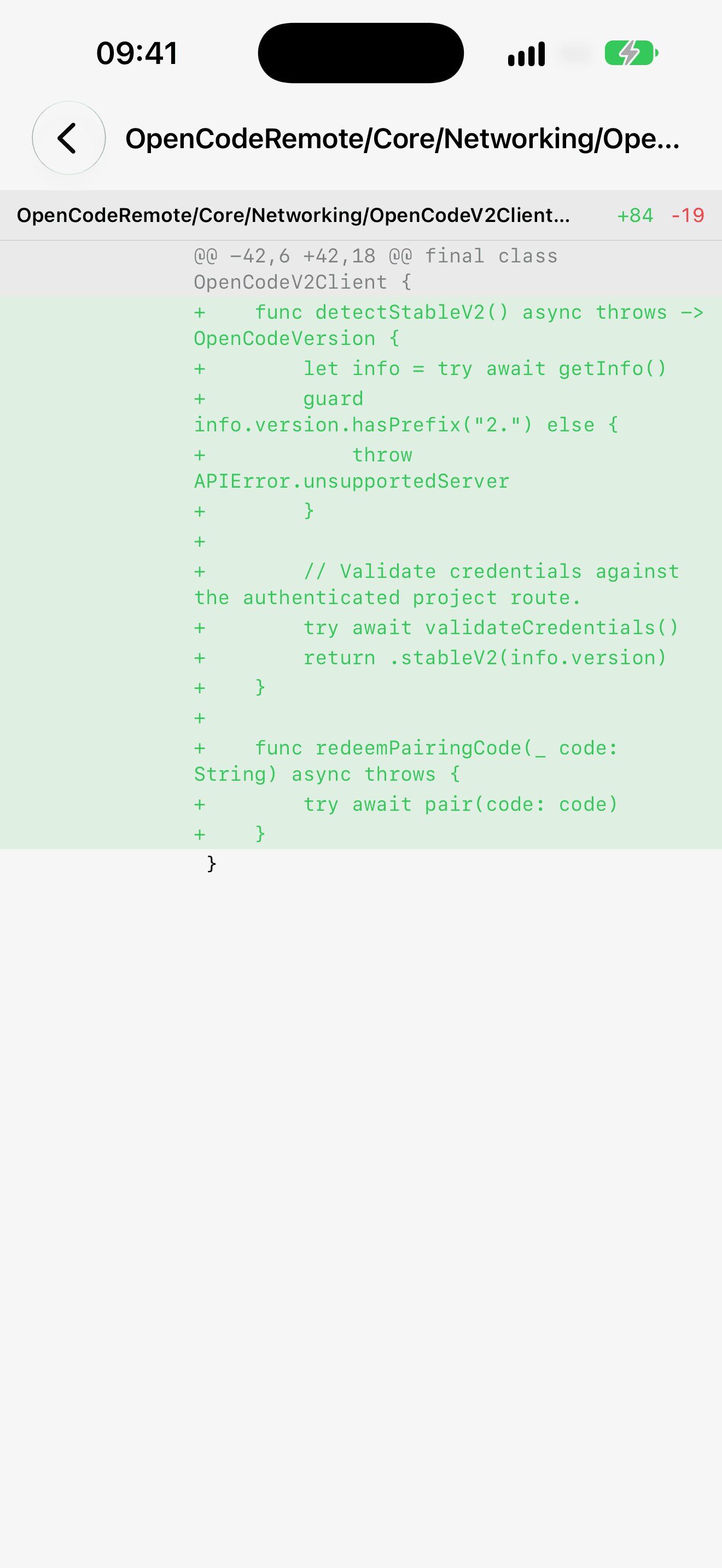
Browse files and review line-by-line diffs for free. With Pro, continue or retry after review, or use revert, unrevert, and fork when the last edit is not the one you wanted.
04
Separate server contracts
Stable V2. Classic V1.
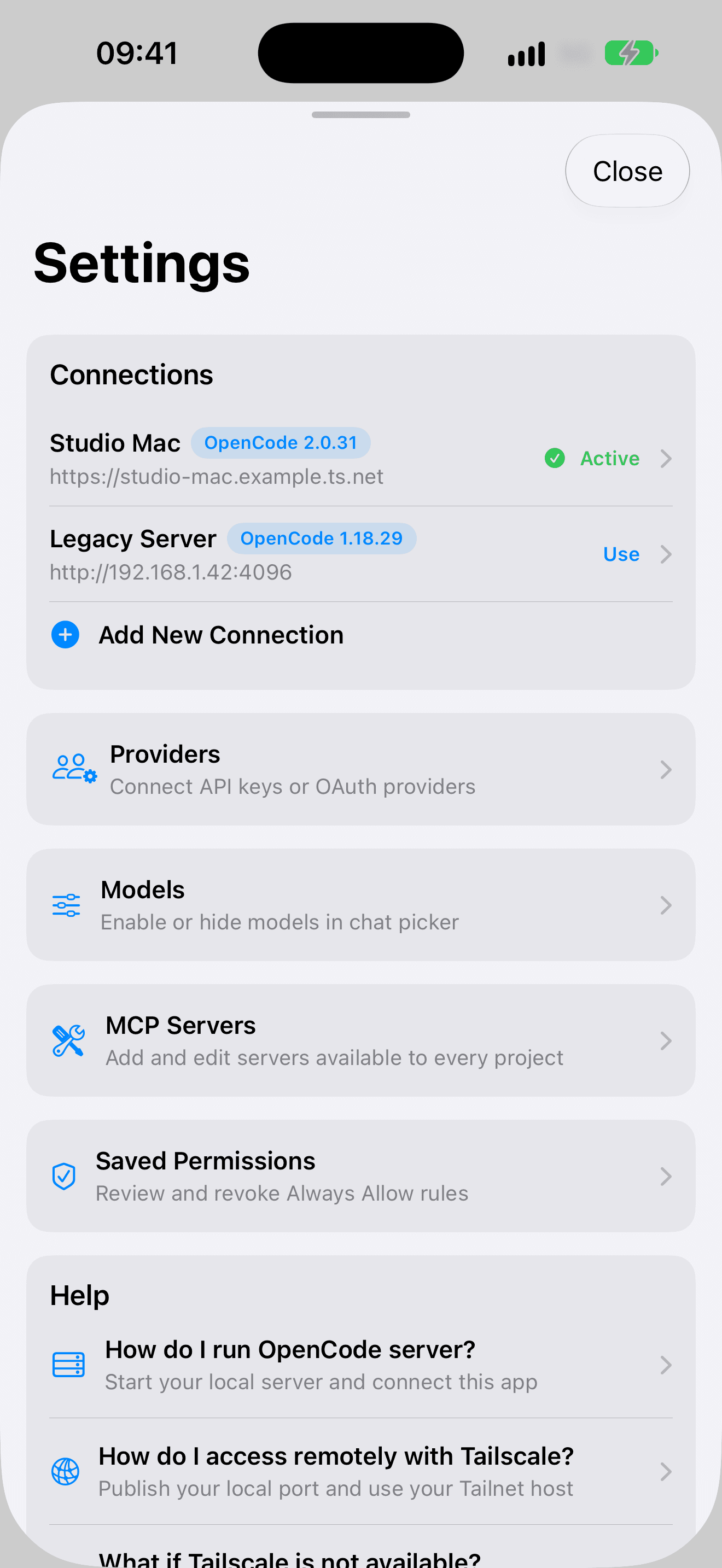
Pair with stable OpenCode V2 using a one-time QR code, or connect manually to a supported classic V1 server. OC Remote keeps those API generations separate so an ambiguous response cannot send a mutation to the wrong contract.
Terminal
Pro opens interactive project PTY terminals, including live output and keyboard controls, on the server you already run.
MCP
With Pro, connect and manage project and global MCP servers, including supported authentication flows.
Dictation
Pro dictation uses WhisperKit on your device, including offline after the model download. Audio is not uploaded for transcription; text reaches your server only if you submit it.
Models, messages, and the server
Messages and photos
Send Pro prompts with text or images. The camera can capture a photo, and the system photo picker can supply selected images without broad photo-library access.
Providers and models
With Pro, connect supported provider methods, choose server-defined primary agents, switch models, and tune exposed variants or thinking effort.
Stable V2, classic V1, and your network
Pair with stable OpenCode V2 or connect manually to a supported classic V1 server. HTTPS is preferred; private LAN and Tailscale HTTP addresses are supported, while cleartext public hosts are rejected. Saved credentials are protected in the iOS Keychain. There are no ad SDKs. Connection guide.