
Watch the work
Follow live timelines, tool calls, task lists, token usage, and agent results.
 OC RemoteDownload
Native OpenCode client for iPhone and iPad
Follow live sessions, answer questions, approve permissions, and inspect changes without going back to your desk.

Free to download. Requires iOS or iPadOS 18.
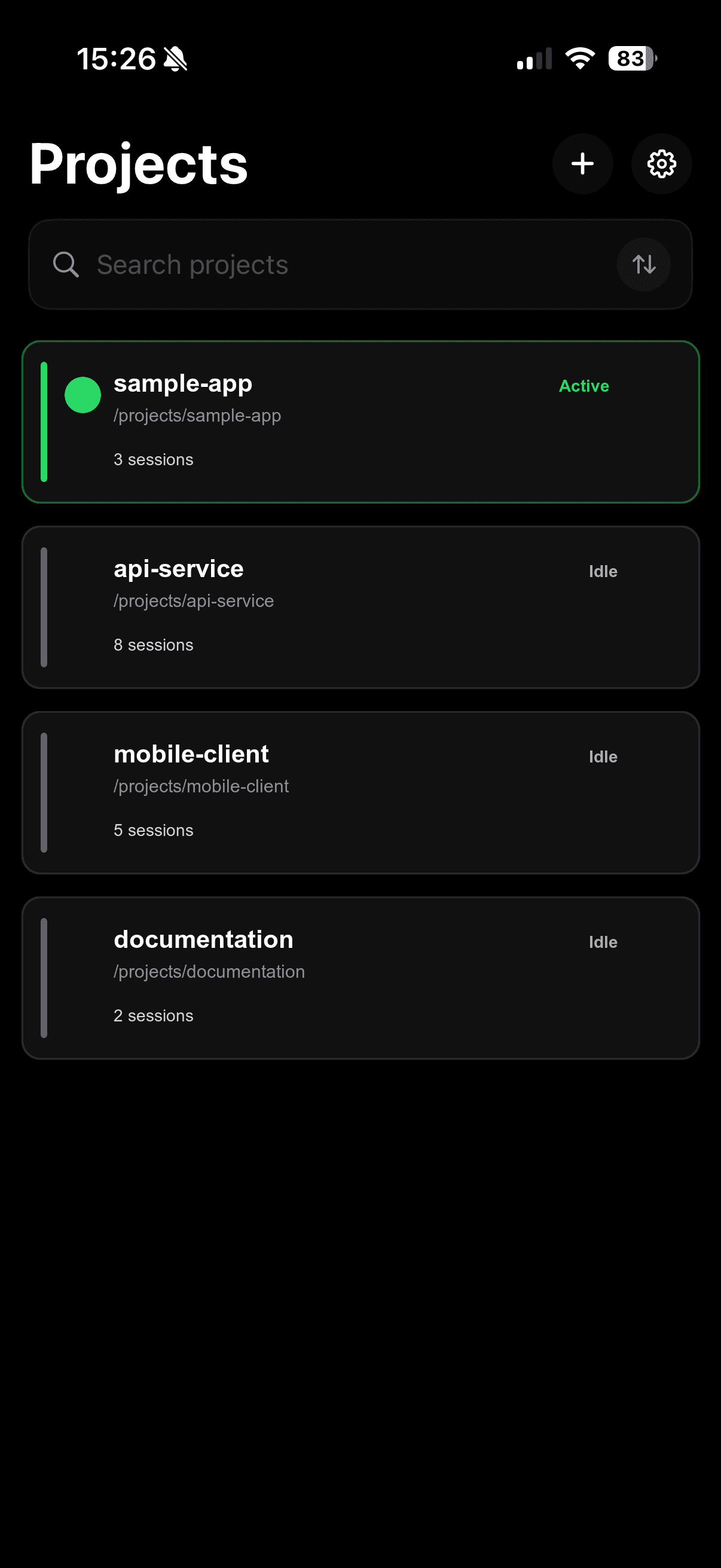
From prompt to patch
Follow live timelines, tool calls, task lists, token usage, and agent results.
Answer questions, approve permissions, send the next prompt, or stop a run.
Review changed files and diffs, browse the project, then continue or retry.
OC Remote Pro
Unlock interactive project terminals, MCP management, and private on-device dictation when you need more than monitoring.
Explore OC Remote on the App StoreYour infrastructure
OC Remote connects to the OpenCode server you configure. Remote connections require HTTPS, and saved server passwords are protected in the iOS Keychain.

Available on the App Store